
Author: Roman Shaposhnikov
Published: September 2026
Want to play poker at the NUTS club on PPPoker but not sure where to start? The whole process takes about five minutes: download the app, enter the club ID, send your User ID to the manager — and you are ready to sit down. Here is every step, without filler.
What you need before you start
- A smartphone (iOS or Android) or a Windows PC
- Stable internet
- NUTS club ID: 111777
- Telegram to reach the manager
New to the platform? Read our PPPoker overview first — it explains how private clubs work and how they differ from classic poker rooms.
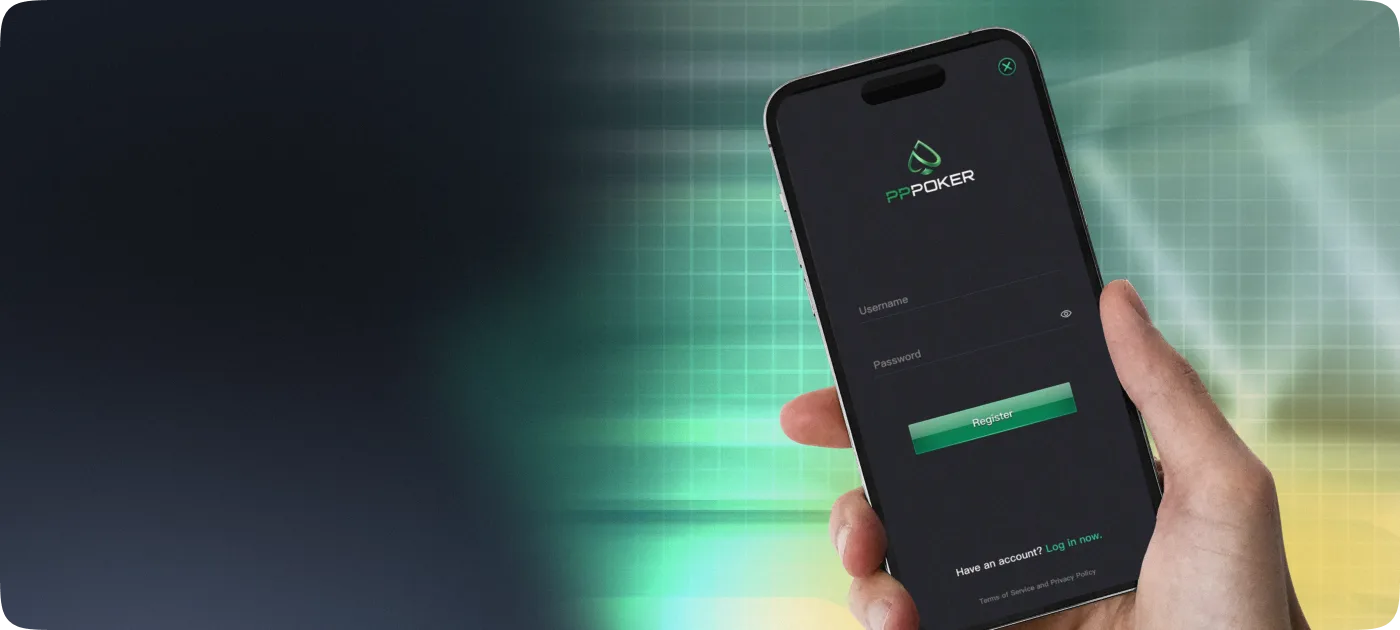
Step 1. Download and install PPPoker
Get the official app from the App Store, Google Play, or the developer site (Windows). Create a login and password on first launch. No passport verification — a unique nickname and a strong password are enough.
Step 2. Close pop-ups and tap Join
On first login PPPoker shows banners and tips. Close them and tap Join in the main lobby to open the club entry form.
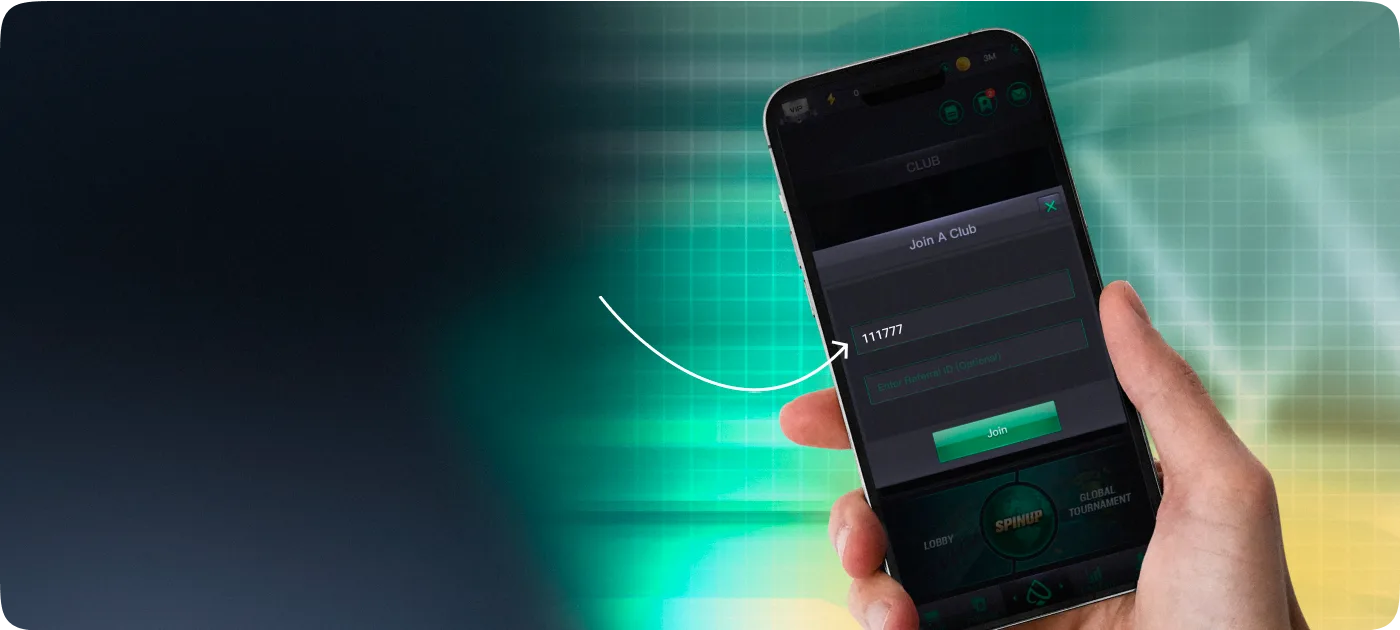
Step 3. Enter club ID 111777
In the Club ID field enter 111777 and tap Join. Your request goes to the NUTS admin. Approval usually takes a few minutes — sometimes instantly if a manager is online.
Important: enter exactly 111777 with no spaces. One wrong digit sends you to another club — or nowhere.
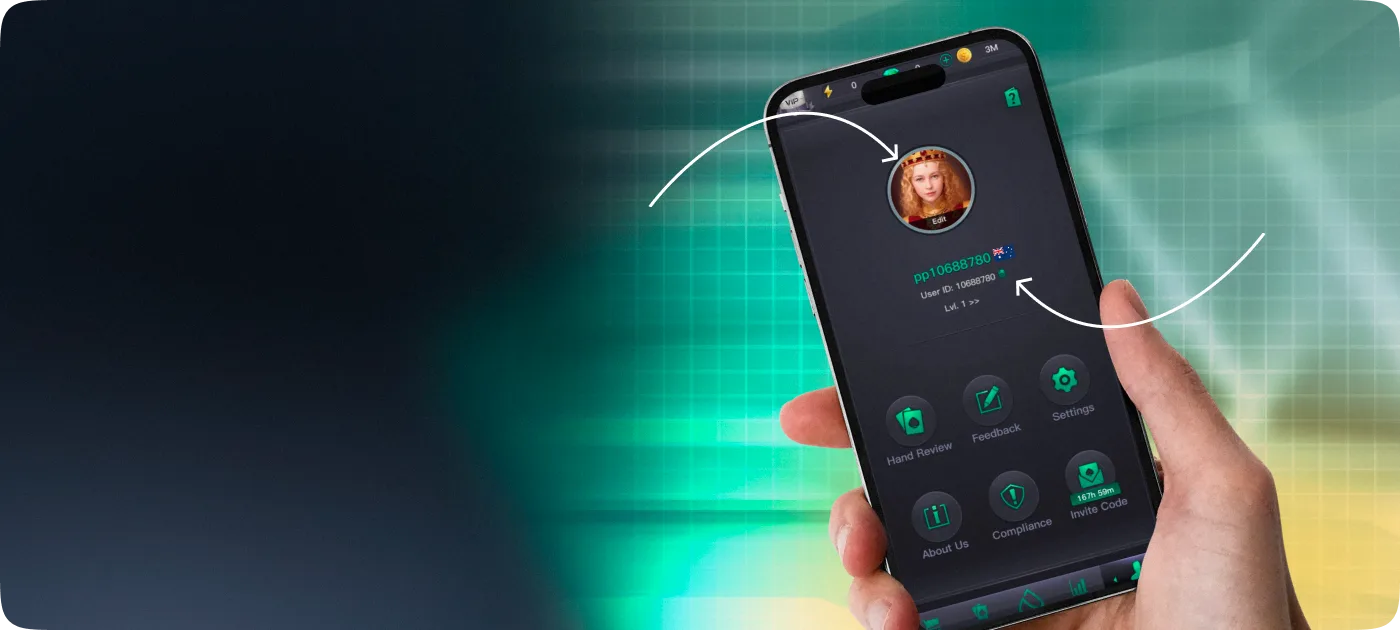
Step 4. Open Profile and copy your User ID
Open Profile (person icon in the bottom menu). Copy your User ID — the long number. The manager uses it to find your account and credit chips.
Step 5. Message the NUTS manager on Telegram
Send your User ID to @NUTSsup. Say you want to join NUTS and make a deposit. The manager will confirm your request and explain limits, tournaments, and bonuses.
Average reply time is under 10 minutes. Support runs 24/7.
Deposits and withdrawals
- Via manager — message @NUTSsup with amount and payment method (card, SBP, crypto).
- Via Telegram bot — open @nuts111777bot, choose Deposit or Withdraw, follow the prompts. Chips arrive in minutes.
Minimum deposit is usually from $10. Confirm rates with the manager — they depend on the payment method.
FAQ
Join request pending too long? Message the manager on Telegram with your User ID for manual approval.
Wrong club ID? Leave the wrong club in settings and rejoin with 111777.
No chips after transfer? Check payment details and User ID. A transfer screenshot speeds things up.
Can I play on PC? Yes — PPPoker for Windows uses the same join flow.
If the club doesn't show up
Check that the field says 111777 and not your User ID: they are two different numbers. If the search is empty, update PPPoker and restart it. Other causes and what to send the manager are in PPPoker not working.
Players from Uzbekistan
The steps are the same. The club account is in dollars, som from an Uzcard or Humo card go through the manager at the rate in the current message, and support answers in Uzbek and Russian. Details: PPPoker for players from Uzbekistan.
What next?
In NUTS you get NLH and PLO cash, MTTs, Russian poker, crash games, and promos. Meet the team on our About page.
Brush up on strategy in our blog — VPIP, EV, bet sizing, and formats.
Ready? Download PPPoker, enter 111777, and message @NUTSsup. See you at the table.
The page in one picture
111777
NUTS club ID
5
steps from install to table
$10
minimum deposit
Short answers
Where do I find my User ID?
In your PPPoker profile, the person icon in the bottom menu. Copy that, not the club number.
My request is pending for a long time.
Send @NUTSsup your User ID and the request will be approved manually.
I entered the wrong club ID.
Leave the other club and join again with 111777.
Can I join from a computer?
Yes, PPPoker has a Windows client and the steps are the same.